
- Features
- Client service
- Client portal
Client portal
A clear window for your clients.
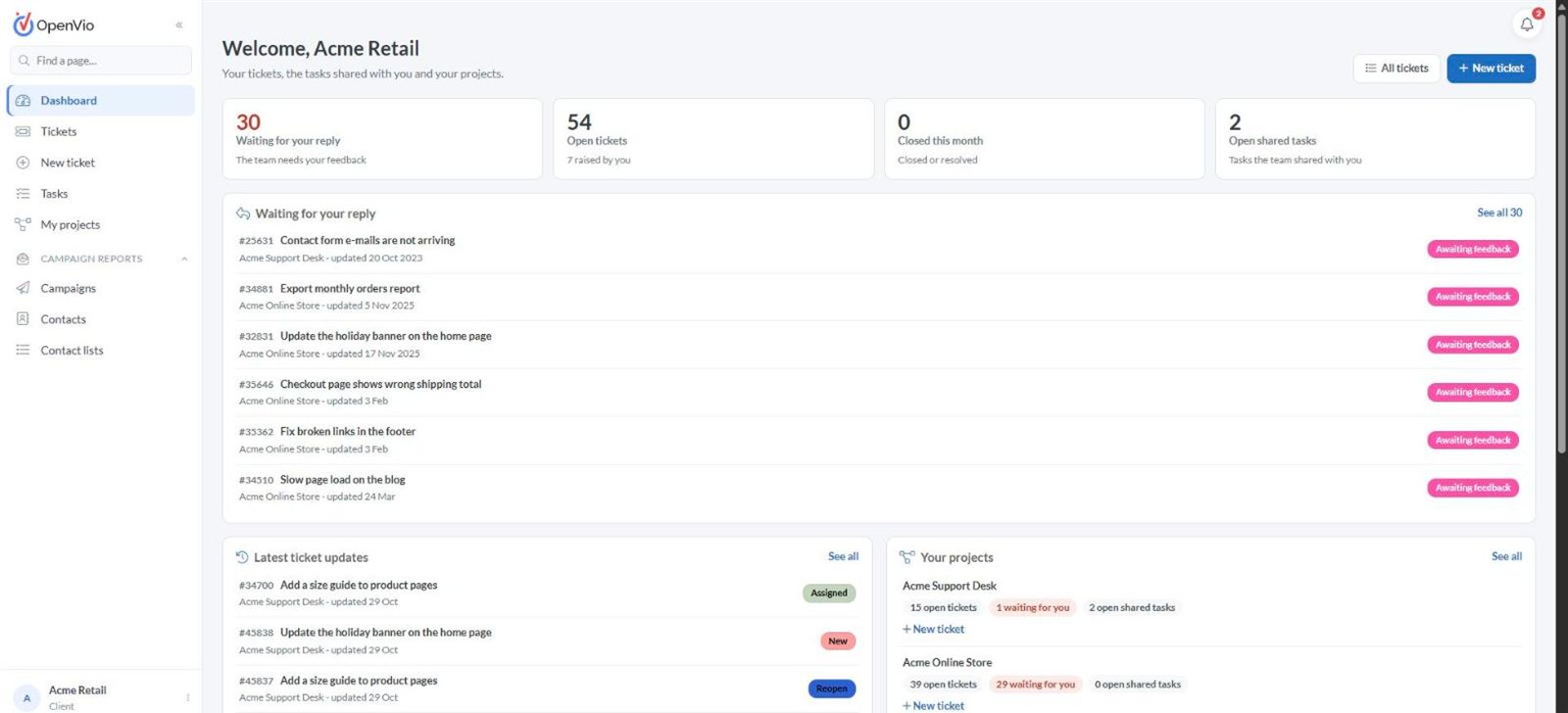
Clients sign in to their own portal to raise tickets, reply to your team and follow the tasks you choose to share, and nothing more.
What you get
Client portal at a glance
Clients sign in to their own portal to raise tickets, reply to your team and follow the tasks you choose to share, and nothing more.
- Clients see only their own projects, their tickets and the tasks you share
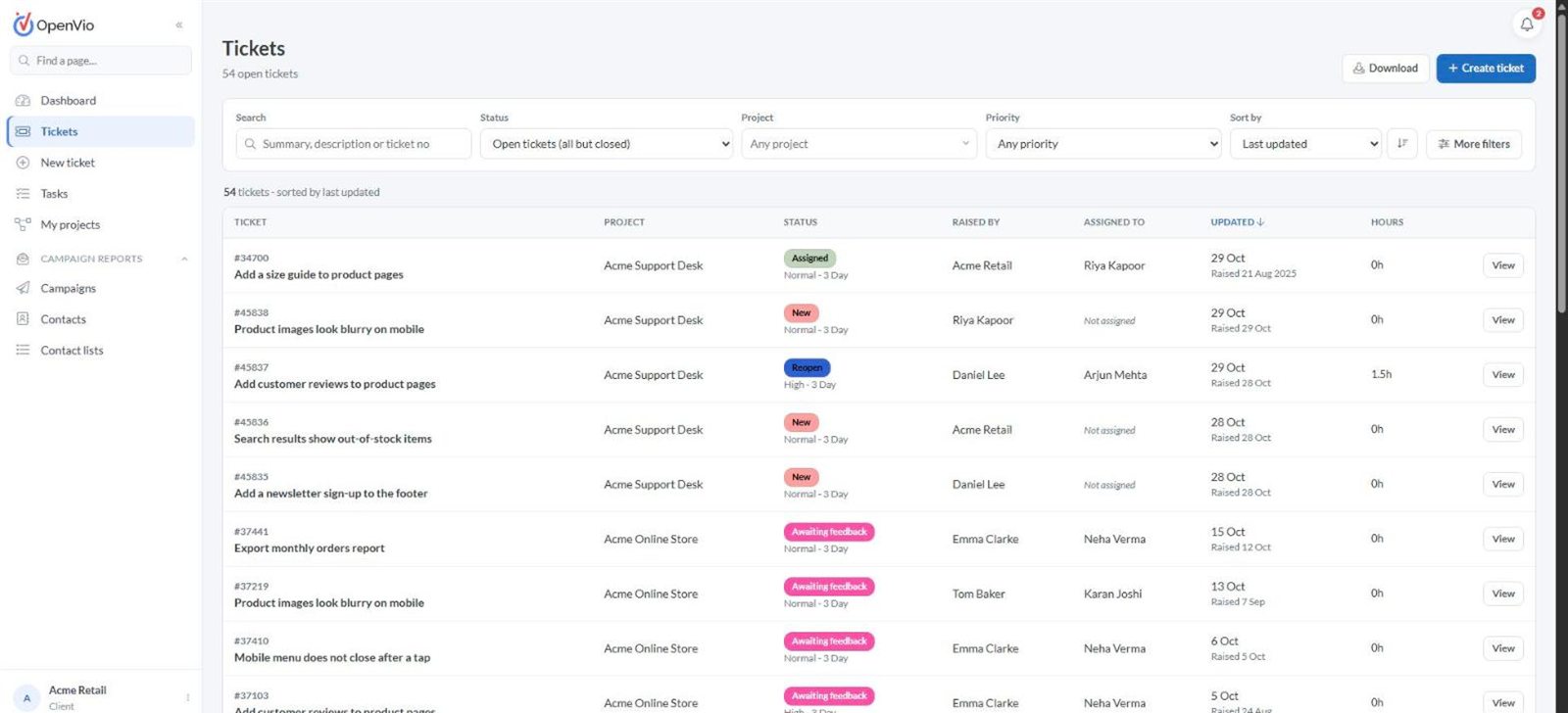
- Raise tickets with files and follow the whole discussion
- A Waiting for your reply list, so requests don't stall
- Internal notes and team hours stay private to your team
- Email campaign reports for clients who use them
A closer look
More of Client portal
Works well with
Connected to the rest of your workspace
Helpdesk
Tickets from clients and staff land in one helpdesk with priorities, turnaround times, internal notes and the hours each project has left.
Learn moreEmail campaigns
Run email campaigns for clients, manage contacts and lists, and share campaign reports through the client portal.
Learn moreProjects
See every project with its account manager, team, open work and delivery date, and open a full workspace for each one.
Learn moreSee Client portal in action
Book a walkthrough with our team. We'll show you the modules that matter to your team and answer your questions.