- Features
- Plan & deliver
- Dashboard
Dashboard
Start every day knowing what matters.
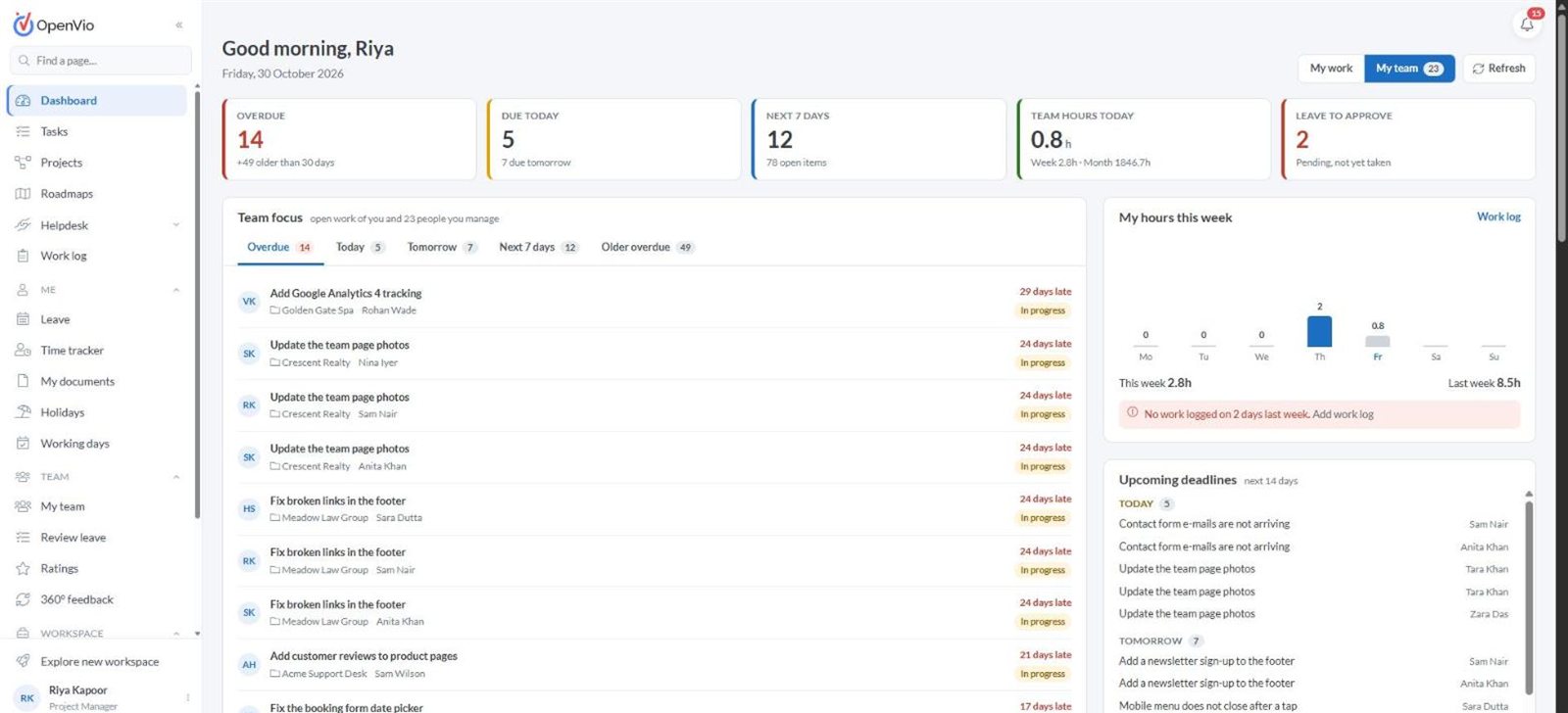
One screen for your own work and your team's: what is overdue, what is due today, who is out and where the hours went.
What you get
Dashboard at a glance
One screen for your own work and your team's: what is overdue, what is due today, who is out and where the hours went.
- Overdue, due today and next-7-days counts at a glance
- Switch between My work and My team in one click
- Team focus lists open work by day, person and project
- Your hours this week, with a nudge when a day has no work logged
- Upcoming deadlines and leave waiting for your approval
A closer look
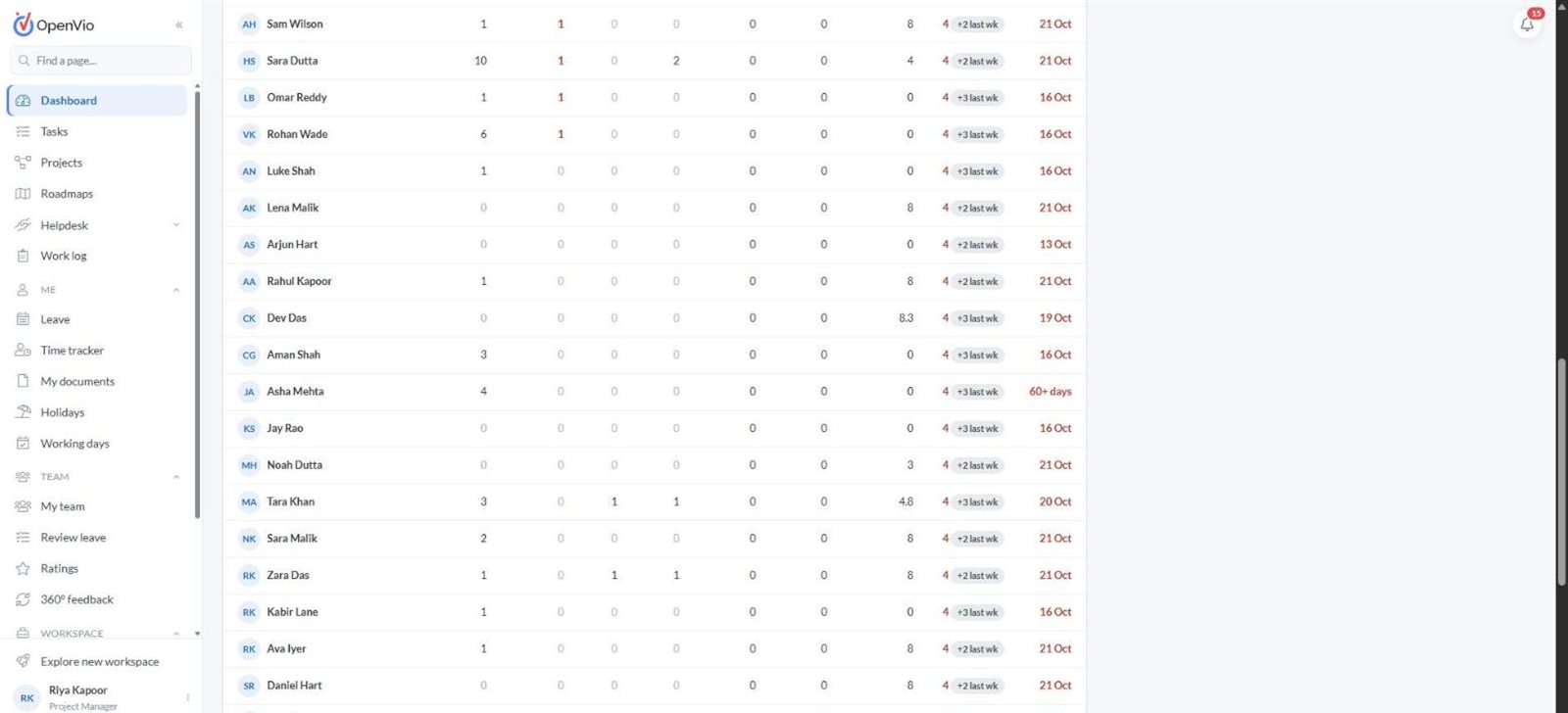
More of Dashboard
Works well with
Connected to the rest of your workspace
Tasks
Break projects into tasks, assign them to one or more people, track estimates against logged hours and keep the whole conversation on the task.
Learn moreWork log
Everyone logs time against tasks, tickets and projects, and managers see totals for the people they look after.
Learn moreReports
Cost, delivery, workload and quality reports built from the work your team already records, with no extra data entry.
Learn moreSee Dashboard in action
Book a walkthrough with our team. We'll show you the modules that matter to your team and answer your questions.